

Latest Posts

Deep Blue
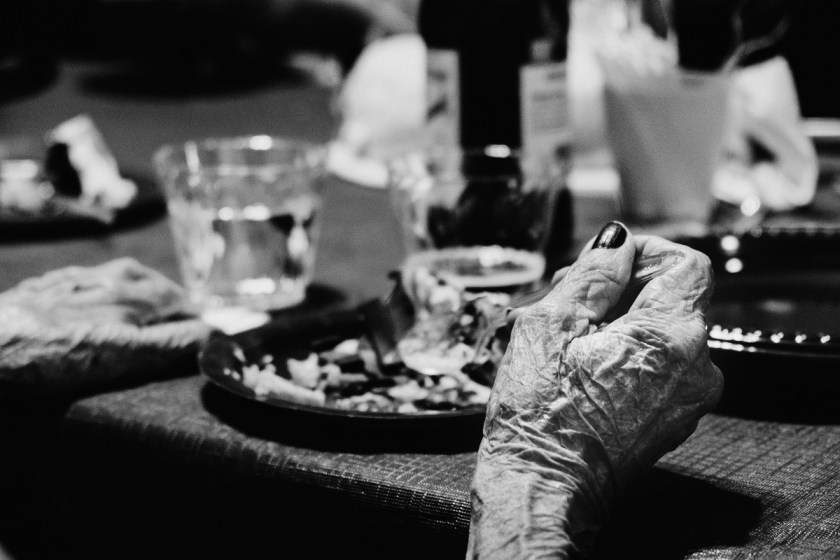
The Hand
Still to this day, I have not found a better documentary tool than the Fuji X-series cameras∗

Architectural Photography
A new genre I’ve been slowly developing and liking more and more – Architectural Photography, here’s a sampling from some recent photo walks around Coral Gables, Miami inspired by Ming Thein.
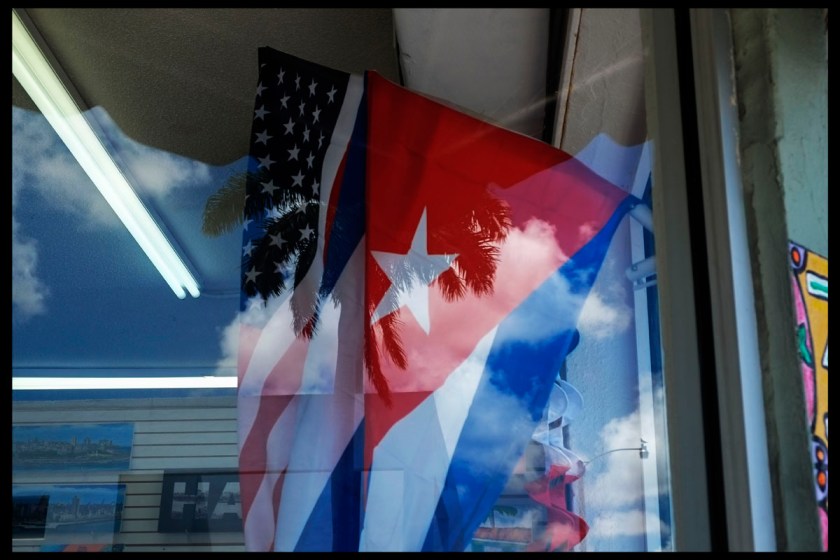
Live for Life
I recently came upon this quote from the great American photojournalist Peter Turnely which completely blew me away and made me reflect.
I don’t live for photography, I live more life. I find that photography is a great companion in my life, its a great friend, but life itself is more important at the end of the day – Peter Turnely
Happy weekend folks. As an aside; I’m on my way to see “Finding Vivian Maier” and will have some impressions later on next week.
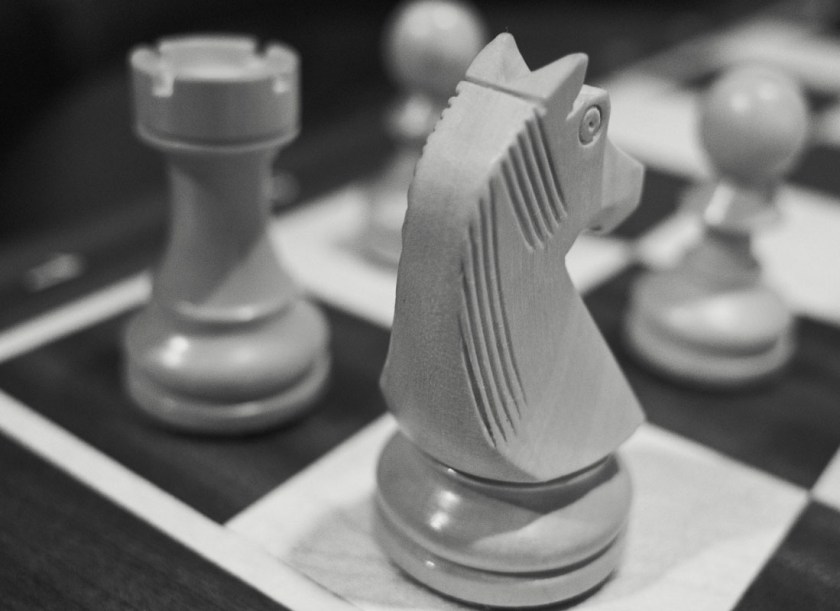
Adobe Bridge and Photoshop Workflow
So if you follow this blog you’ll know I’m a huge fan of Photomechanic’s very impressive feature set. When it comes to culling and setting up a solid folder structure Photomechanic is the industry standard and over that last year I’ve been able to confirm this.
Import you card/s and let Photomechanic’s do the rest. Personally, I’ve setup my folder structure as follows:
- Pictures
- 2014
- 2014.05.06 Project Name
So once that’s set up I used to just import that folder into Lightroom 5 and go about my usual workflow. Fast foward to today and the “folder” structure is still there. As an aside. I don’t know about you guys but I’m a folder kind of guy. Folders in my world as in business give hierachy, structure, and lends itself to have complete system to organize information. Folks, photography is just like anything else. A little order and simplification goes a long way in finding and perusing your images from previous weeks, days, months, and years.
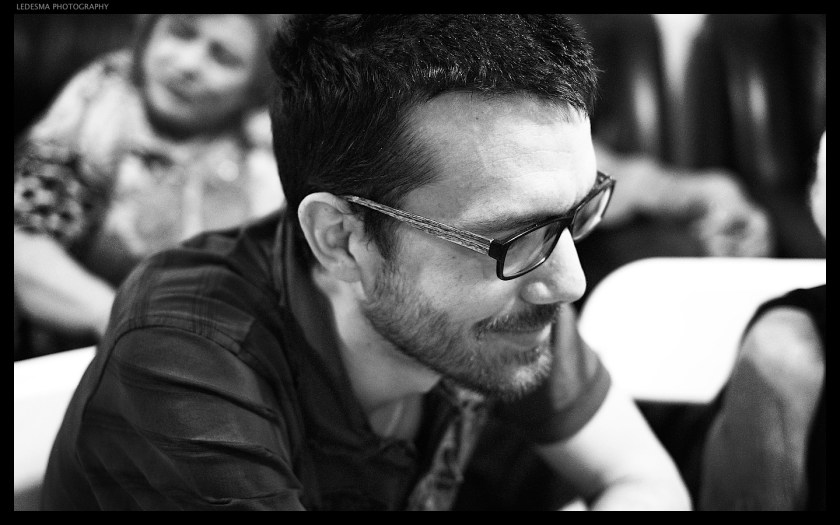
Thinking Man
I continue to experiment with my black and white conversations in between Lightroom 5 and Photoshop CC and the workflow is progressing right along. Following Ming Thein’s guide, its clear to me now how the file needs to be prepared before jumping to PS in order to give the image the right adjustments so a great tonal range can be accomplished. I’m pretty happy with this conversation as the tonal range is quite apparent and the image has enough micro contrast to give it that pop.
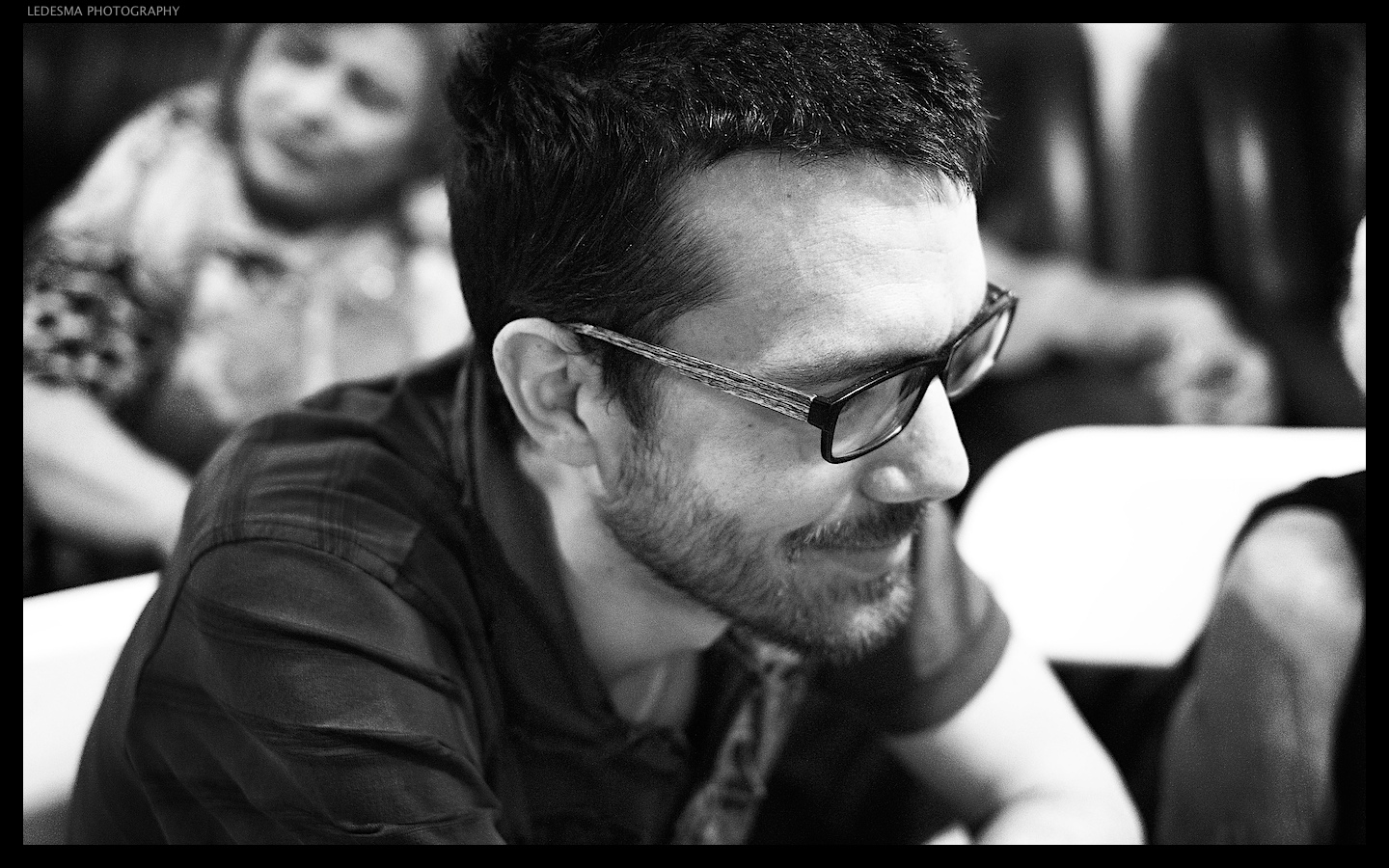
captured with the Fuji XE1
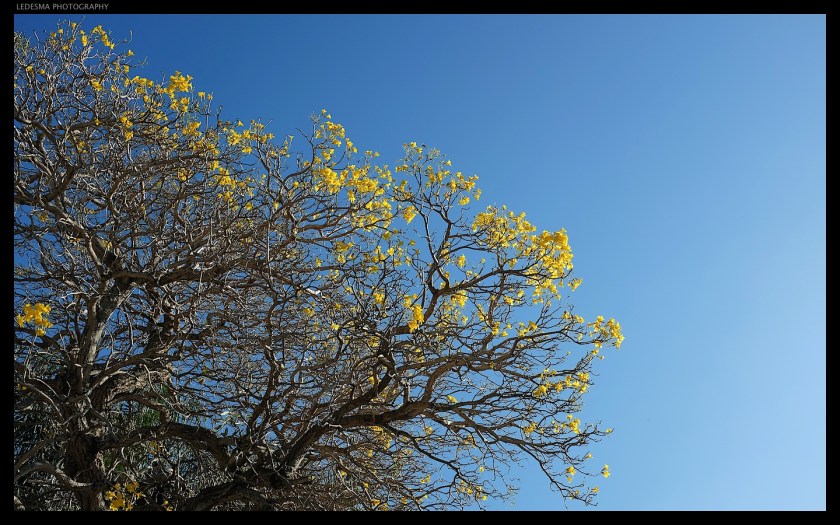
New Beginnings
I recently got the chance to view Making Outstanding Images Episode 4&5: Exploring Style! by the great photographer Ming Thing from Kuala Lumpur, Malaysia and boy am I happy I did. This new series of videos is comprised of 2 videos in each episode for a very lengthy but so worthy experience. Ming will take you through each step of the theory coupled with various live shoots and finish off with his processing workflow from import to a final edit.
So if you’re looking for some inspiration and a way to consolidate your photography workflow then I highly recommend you get this new series and get ready to take your images to the next level. Here’s my first attempt at reprocessing a recent image I shot. As an aside, I had been wanting to make this photograph for about two weeks. I constantly passed by this tree and the bright yellow flowers always got my attention and I would frame it in my mind until one day I told myself with camera on hand, let’s go make that photograph and so I did. I ran it through some basic adjustments in Adobe Camera Raw and then a few more adjustments in Photoshop CS5.
 Ledesma Photography